If you applied for a federal government job or the CSS exam, the Federal Public Service Commission (FPSC) will not post a roll number slip to your home. You have to find it online, download it and print it yourself. Without the printout, you will not be allowed into the test hall.
This guide explains how to do that, what to check on the slip, what to carry on test day, and what to do if your slip does not appear. I mark information as official when it comes from FPSC’s own documents, and as reported when it comes from news or guidance websites. Dates, links and rules change from phase to phase, so confirm the details on fpsc.gov.pk.
What Is an FPSC Roll Number Slip?
Most people say “roll number slip”, but FPSC’s official term is Admission Certificate. It is the same document.
It shows your roll number, the test centre, the date and the time of your paper. According to FPSC’s FAQ page, candidates must show three things to FPSC supervisory staff at the time of the Screening or Written Test:
- Original CNIC.
- Original treasury receipt of fee payment for the post applied for.
- The downloaded copy of the Admission Certificate.
Note on the fee receipt: The FAQ wording refers to a “treasury receipt”. FPSC now takes fees online through a PSID, so read the instructions printed on your own admission certificate to see exactly which documents are required. Bring whatever it lists.
FPSC’s FAQ also says that FPSC is not responsible for the security or loss of your belongings at the centre.
How to Check Your FPSC Roll Number (Or Admission Certificate)
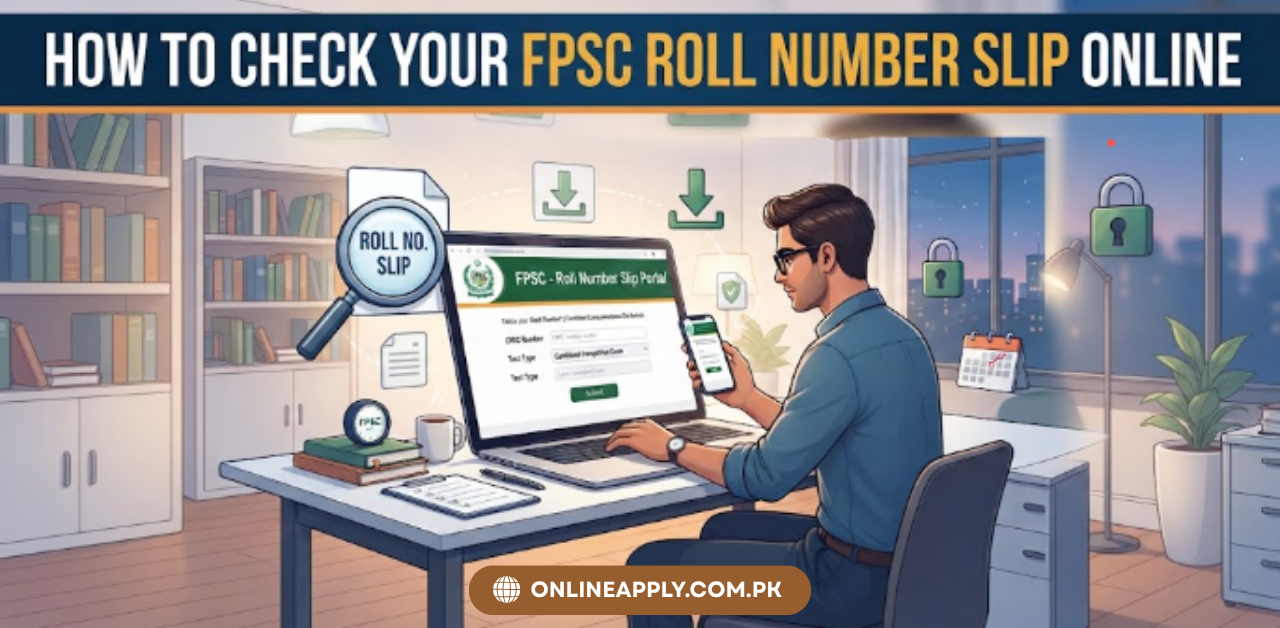
The only place to download your FPSC admission certificate is the FPSC website, fpsc.gov.pk. Here are the steps:
- Open fpsc.gov.pk.
- Open the Schedule menu and choose Admission Certificates.
- Click the link for your phase, for example “Online Admission Certificates General Recruitment Phase III/2026”.
- The link opens a download form on cp.fpsc.gov.pk, where you enter your CNIC.
Because many websites copy “roll number slip” pages, be careful. A fake or outdated page can send you to the wrong phase or ask for information that FPSC never asks for. As general advice, always start from fpsc.gov.pk and do not enter your details on any page that asks for money or a password.
How to Download FPSC Roll Number Slip
The link for printing the admission certificate is provided on its website when the exam is scheduled, and that you can print it by simply providing your CNIC number on the screen.
Before you start
- Keep your CNIC number ready.
- Know your post and case number from your application (and your Tracking ID if you saved one).
- Use a computer or phone with a stable internet connection.
The steps
- Go to fpsc.gov.pk.
- Find the Admission Certificates page under the Schedule menu. Choose the correct category: General Recruitment, CSS or another exam.
- Select the right phase. FPSC runs several phases a year, and each has its own link. If you open the wrong phase, your name will not be found.
- Enter your CNIC in the format the form asks for. Websites disagree on whether to use dashes. Pakistan Era says the Phase 3 form asks for dashes, while other sites say to enter 13 digits without them, so follow the example shown on the form itself.
- Open your certificate. If you applied for more than one post, Pakistan Era reports that you get a separate certificate for each post, so check each one.
- Download and print it on A4 paper. A clear black and white print is enough, according to the same report.
- Keep a digital copy on your phone or email as a backup, but remember that phones are not allowed inside the hall.
How will you know it is online?
FPSC does not post the certificate or email the file. It sends an SMS or email saying the certificates are online, and then you download it yourself. FPSC’s general instructions, as read by the same source, say candidates are themselves responsible for downloading their certificates in time.
So do not wait for a message. Check the website yourself as the test date approaches.
The Slip Will Disappear After the Phase Ends
This is one detail many candidates miss. After completion of the General Recruitment phase, the option to generate or print the admission certificate is revoked.
In simple words: download and save your certificate while the link is active. Do not leave it for later, and keep both a printout and a digital copy.
What to Check on Your Slip Before Leaving the Page
Spend two minutes reading the certificate carefully. Check:
- Your name and CNIC number. If anything is wrong, contact FPSC at once.
- The post and case number. Make sure they match the post you applied for.
- The date and time of your paper.
- The test centre and hall. Locate it on a map before test day.
- The instructions printed on the certificate. FPSC prints rules on it, and they can differ between tests.
If you applied for two posts and two tests fall on the same date and time, FPSC tells candidates to contact its Islamabad office or the nearest provincial or regional office right away. Do not wait until the test day.
What to Bring on Test Day
According to the officials and other sources, it says:
Bring:
- Printed admission certificate
- Original CNIC (or passport, as reported by Pakistan Era)
- Any other document your certificate asks for
- A black ball pen (reported as the allowed pen)
Leave at home or outside:
- Mobile phones and any communication device
- Ink pens, gel pens and pointers (reported as banned on the OMR sheet)
A candidate caught with a phone or any communication device is expelled, the paper is cancelled and the CNIC is placed on a block list, meaning a permanent ban from FPSC tests. It also says a phone switched off in your pocket still counts. Because this penalty is severe, take the rule seriously and do not carry a phone into the hall.
FPSC Test Timing & Paper Format
FPSC asks candidates to be in the exam hall 45 minutes before the paper starts and that doors close 15 minutes before the start, with no late entry. For a 10:00 am paper, that means being in the room by 9:15 am. The report advises reaching the gate earlier, since security queues can be long. Check your certificate for the exact reporting time for your test.
Under FPSC’s rules, BS-16 and BS-17 posts sit one 100-mark MCQ paper of 100 minutes, and BS-18 and above sit a 200-mark paper of 200 minutes. It also says each wrong answer costs 0.25 marks. Read your syllabus and the instructions on your paper, because the format can differ by post.
Can You Change Your Test Centre?
Generally, no, once the certificate is out. Here is what the official documents show:
- FPSC issues a circular for each phase announcing a short online window for changing centres. For GR Phase VII/2025, the window ran from 5 to 11 December 2025, and FPSC said no manual request would be accepted.
- Candidates who do not apply online keep the centre they chose earlier. For those appearing in more than one case, the latest centre request applies to all cases in that phase.
- The online certificate for an older test carried the line “NO REQUEST FOR CHANGE OF CENTRE WILL BE ENTERTAINED.”
After certificates are issued, only an emergency request to the Secretary FPSC, with proof, may be considered. I could not verify this on an official page, so treat it as a last resort and do not count on it.
The takeaway: if you want a different centre, watch for the change-of-centre circular after you apply, not after the certificate comes out.
Admission Is Provisional: Eligibility Is Checked Later
The instructions on FPSC’s admission certificates say candidates are admitted provisionally, and that eligibility under the recruitment rules is checked later. Even if you sit the test or pass it, you can be rejected if you did not meet the conditions of the advertisement.
So before test day, re-read the advertisement and check your age, qualification, experience and domicile against it. FPSC’s FAQ lists causes of rejection that include an application not received online on or before the closing date. It also says no request for re-checking or re-counting of marks is entertained in General Recruitment.
If you do pass, keep your phone number and email working. FPSC’s shortlisting notices say candidates with deficient documents are informed by post, SMS or email, and candidates are told to check the FPSC website regularly for interview schedules because programmes can change.
What If Your Roll Number Slip Is Not Showing?
| Problem | What to try |
|---|---|
| “Record not found” | Make sure you picked the correct phase and category. Try again with the CNIC format shown on the form. |
| Link not visible | The link appears only once the exam is scheduled. Check the Schedule menu and the notices on fpsc.gov.pk again. |
| Only one certificate but you applied for two posts | Check whether both posts are in the same phase. They may be scheduled in different phases. |
| Your case is missing from the test list | Read the latest public notice. Some cases are removed from a phase. |
| Your application status is unclear | Check the status of your application on the FPSC portal and look for any rejection notice sent by SMS or email. |
| Wrong name, CNIC or post on the certificate | Contact FPSC immediately, before the test date. |
| The page does not load | Try again later, use another browser, device or try a VPN, and avoid the last hour before the test. |
How to contact FPSC
FPSC’s official documents list these details: website www.fpsc.gov.pk, email fpsc@fpsc.gov.pk and phone 051-111-000-248. Calls are answered during office hours, so do not leave a problem until the night before the test.
For other government job and exam notices that may suit your qualification, you can also browse our website for the latest government job and exam updates. But for slips, centres and dates, rely only on FPSC.
A Simple Checklist Before the Test
- Download and print the certificate. Save a digital copy too.
- Check your name, CNIC, post, date, time and centre.
- Locate the centre on a map and plan your travel.
- Keep your original CNIC, certificate and a black ball pen in one folder.
- Do not carry a phone, and avoid anything the instructions ban.
- Reach early. Plan around the 45-minute reporting time and the door closing rule, then add time for the queue.
- Sleep well. Your paper will matter more than your last-minute revision.
Frequently Asked Questions
Is the roll number slip the same as an admission certificate?
Yes. FPSC calls it an Admission Certificate. People commonly say “roll number slip”.
Do I need a password or account to download it?
According to FPSC’s FAQ, you can print the certificate by providing your CNIC number on the screen. For the current phase, Pakistan Era says the form needs only your CNIC. If a page asks for money or a password, be careful and go back to fpsc.gov.pk.
Will FPSC send the slip by post?
Pakistan Era reports that FPSC does not post it. It sends an SMS or email saying the certificates are online, and you must download it yourself.
Can I download the slip after the test?
No. According to FPSC’s FAQ, the option to generate or print the admission certificate is revoked immediately after the General Recruitment phase is completed.
Can I enter the hall if I am late?
Pakistan Era reports that doors close 15 minutes before the paper starts and that no one is let in after that. Check the reporting time on your own certificate.
Is there a re-check of marks after the test?
FPSC’s FAQ says no request for re-checking or re-counting of marks is entertained in General Recruitment.
Final Words
Checking your FPSC roll number slip is easy, but only if you do it early and from the right place. Go to fpsc.gov.pk, find the Admission Certificates page for your phase, enter your CNIC, and print the certificate. Then read it carefully, plan your travel, and follow the test-day rules, especially the phone rule.
Do not wait for a message, and do not leave the download for the last day, because the link is switched off once the phase ends.